Start recording
Tap the floating microphone while using your existing keyboard.
 LocalFlow
Get started
LocalFlow
Get started
On-device speech recognition
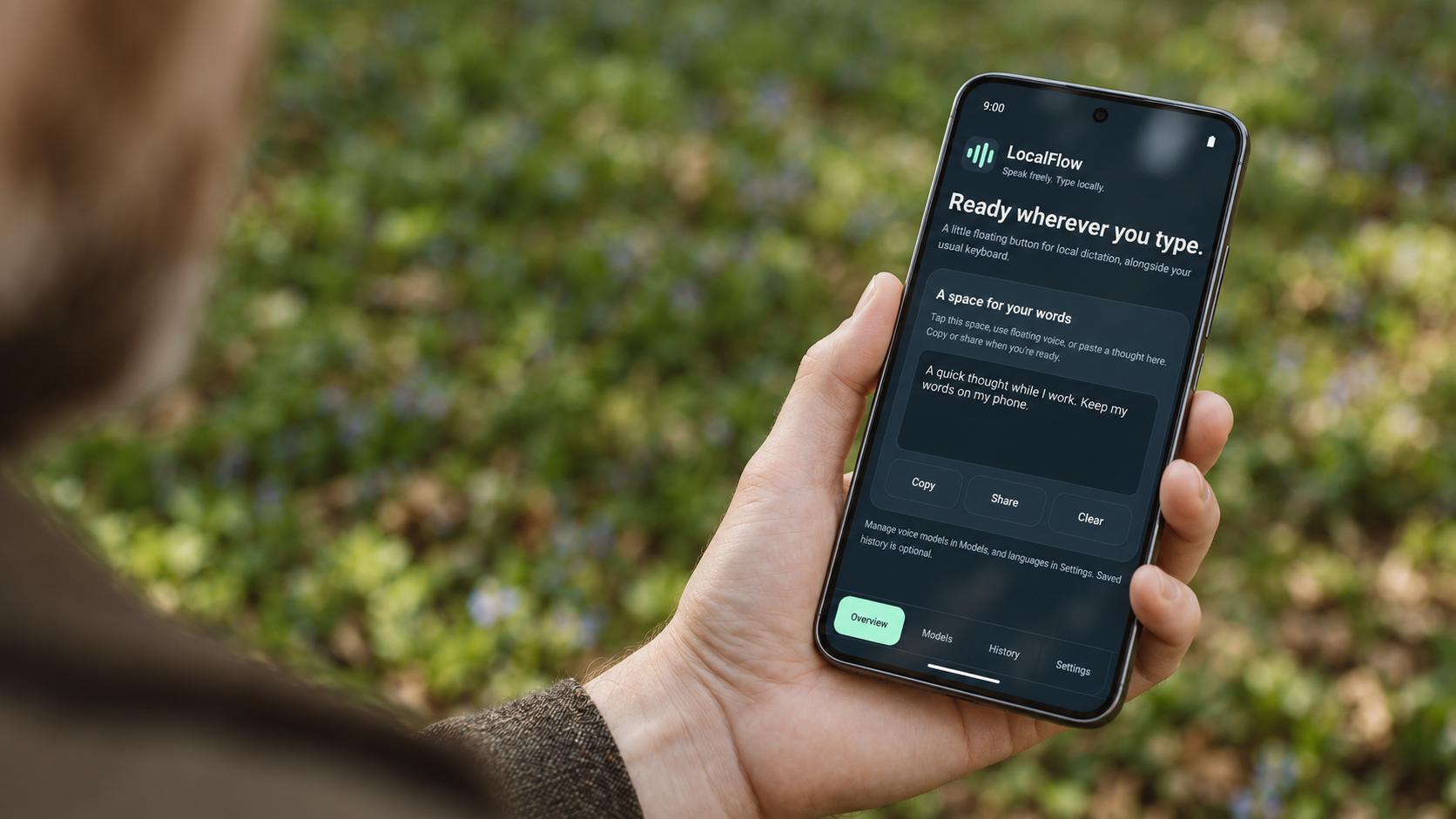
Turn speech into text in messages, notes, and other apps with a floating microphone button. Keep your existing keyboard. Download a language model once, then dictate offline. LocalFlow never uploads your audio or transcripts.

How dictation works
LocalFlow adds a floating microphone to the apps you already use. Dictate text while keeping your existing keyboard.
Sounds good. See you at ten.
Illustration · Voice input alongside your existing keyboard
Tap the floating microphone while using your existing keyboard.
Confirm to transcribe the recording on your phone. Cancel to discard it.
Copy the result, or enable optional Accessibility access to insert it into a supported field.
Your latest 10 approved text notes are saved locally by default. Change the limit, turn saving off, or delete them anytime.
Supported languages
Eight languages across three speech models. Download a model that supports the languages you use.
A small download for English dictation.
For Mandarin, Cantonese, and more. Choose Simplified or Traditional Chinese output.
Local dictation with punctuation across four languages.
Languages depend on the selected model. Sizes are approximate model-file downloads, separate from the app.
Privacy, with no asterisk on your voice
What you say belongs with you. LocalFlow processes your speech on your phone, without uploading your audio or transcripts.
Read the privacy policyModel downloads use HTTPS; the host receives normal request metadata. Android and receiving apps handle text you copy, insert, or share.
Help & support
No. Keep your current keyboard and its language settings. LocalFlow adds a floating voice button alongside it; it is not a custom keyboard.
Yes, after downloading a speech model. Recognition and saved text history run locally. You need an internet connection to download model files, and the download host receives ordinary request metadata.
It lets LocalFlow check the focused editor locally and insert text you approve into a supported, unchanged field. Without it, you can still dictate and explicitly copy the result. Some editors do not support insertion. Read how this access works.
The phone build targets ARM64 devices running Android 8 or newer. Model performance depends on your phone and available memory. Compatibility and performance on individual phone models still require physical-device testing.
LocalFlow saves your latest 10 approved text notes by default, with the model and timestamp. It does not keep microphone recordings as a history. Change retention, turn future saving off, or delete notes in the app. Turning saving off does not delete existing notes.